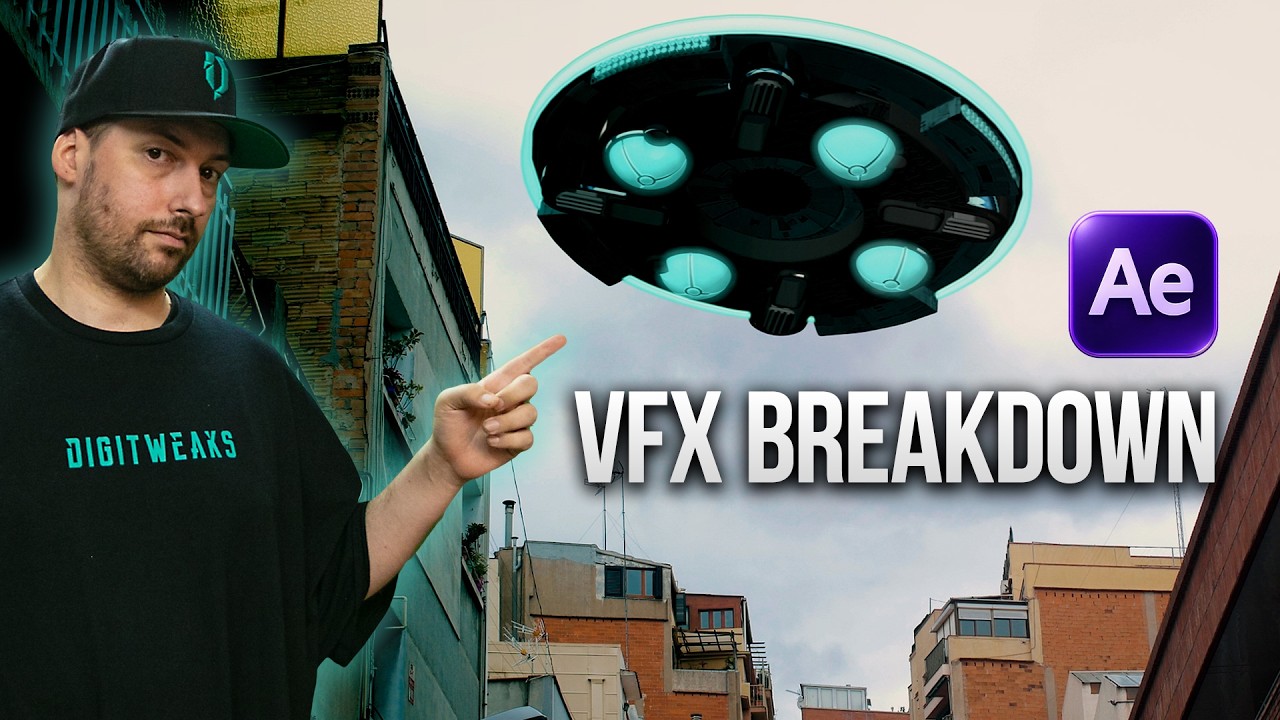
How I placed UFOs over Barcelona in After Effects | Glitch Invasion 01: First Sighting
TIMESTAMPS:
00:00 First Sighting
00:59 How I Made the UFO Shot
01:45 Stabilising the Footage
02:29 3D Camera Tracking
03:56 Creating the Camera and Null
04:12 Animating the UFO’s Movement
06:32 Moving the Camera and Null to Cinema 4D Lite
10:08 Adding the UFO Model
11:16 Making the UFO Look Believable
11:42 Masks and Mattes for Buildings
13:43 Keying Out the Sky
14:38 Matching Grain and Motion Blur
17:27 The Mothership Shot
21:41 Using a Luma Matte to Hide the UFOs
22:46 Wrap-up
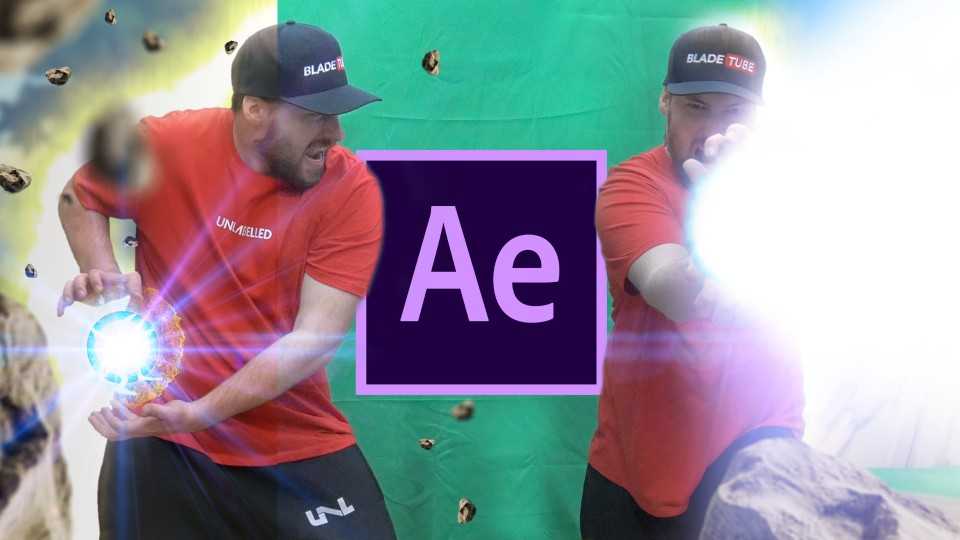
In this VFX breakdown I show you how you can make a UFO look like it was actually filmed over Barcelona?
In First Sighting, the first episode of Barcelona Glitch Invasion, I break down how I used Adobe After Effects and Cinema 4D Lite to put a 3D spacecraft into footage I shot in the city.
I walk through stabilising the footage with Warp Stabilizer, solving the shot with the 3D Camera Tracker, and transferring the tracked camera and null into Cinema 4D Lite. Back in After Effects, I use masks and mattes to make the UFO pass behind buildings, then match the lighting, atmosphere, colours, grain and motion blur to the original footage.
The tracking makes the UFO move with the shot.
The compositing makes it feel like it belongs there.
#AfterEffects #VFXBreakdown #Cinema4DLite
ONE-TO-ONE CLASSES
Learn video editing with Adobe Premiere Pro, compositing with After Effects, or the basics of Logic Pro. Classes are tailored to your level and projects, in English, French or Spanish, in Barcelona or online. https://digitweaks.com/tutoring
OUR STUDIO & AGENCY TOOLBOX Explore the software and equipment we use, with practical tutorials: https://digitweaks.com/toolbox
Some links in the toolbox are affiliate links. We may earn a commission at no extra cost to you.
SUPPORT THE CHANNEL If you found this useful, you can leave a tip or buy me a coffee: https://ko-fi.com/digitweaks
BUSINESS ENQUIRIES
https://digitweaks.com/contact