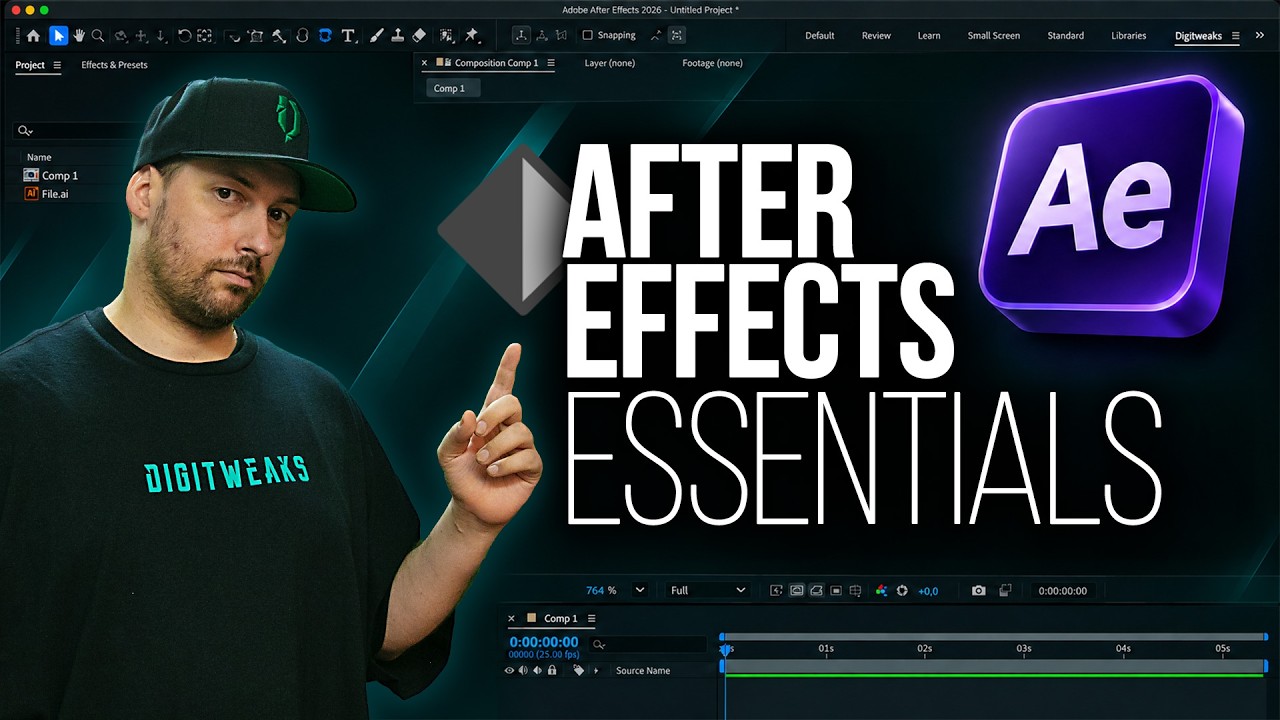
Adobe After Effects Essentials: A Beginner’s Guide (2026)

Get started with Adobe After Effects and learn the essentials of animation, motion graphics, and compositing. In this beginner’s guide from Digitweaks Motion Lab, you’ll explore the interface, compositions, layers, keyframes, effects, masks, tracking, rotoscoping, and export. Practical demonstrations show you how to attach a graphic to moving footage, place a logo in a scene with the 3D Camera Tracker, and use Object Matte to put graphics behind a person. The aim is to help you understand how After Effects works, follow the basic workflows, and start experimenting with your own footage.

CHAPTERS 
00:00 Introduction 
01:14 What is After Effects used for?
03:19 Interface and workspaces
04:11 Projects, compositions, and importing footage
06:48 Layers and the timeline
07:46 Transforms, keyframes, and anchor points
08:33 Interpolation, Graph Editor, and motion blur
09:26 Effects, presets, and adjustment layers
11:00 Masks, track mattes, and blending modes
12:20 Precomps, parenting, nulls, and shy layers
13:20 Text and shape layers
14:32 Introduction to 2D and 3D tracking
15:27 Practical example: 2D motion tracking
21:02 Understanding the 3D Camera Tracker
21:35 Practical example: Placing graphics in 3D space
28:49 Rotoscoping and isolating a subject
29:43 Practical example: Object Matte and graphics behind a person
37:13 Green screen and Keylight
38:06 Color correction and compositing
38:45 Preview, performance, rendering, and export
39:47 AI-assisted workflows
40:13 Your first exercise and closing thoughts

PRIVATE LESSONS
Need feedback on your project or help understanding a technique?
I offer one-to-one lessons in sessions of 60, 90, or 120 minutes.
Book a lesson → https://digitweaks.com/tutoring/

TRY IT YOURSELF
Take a clip, add a title, animate it with two keyframes, and export it.
Then try another technique from the video on the same project.

Which topic would you like me to cover in more detail? Let me know in the comments. Subscribe to Digitweaks Motion Lab for more After Effects tutorials, practical examples, and deeper dives.
#AfterEffects

#AfterEffectsTutorial #MotionGraphics
MORE VIDEOS

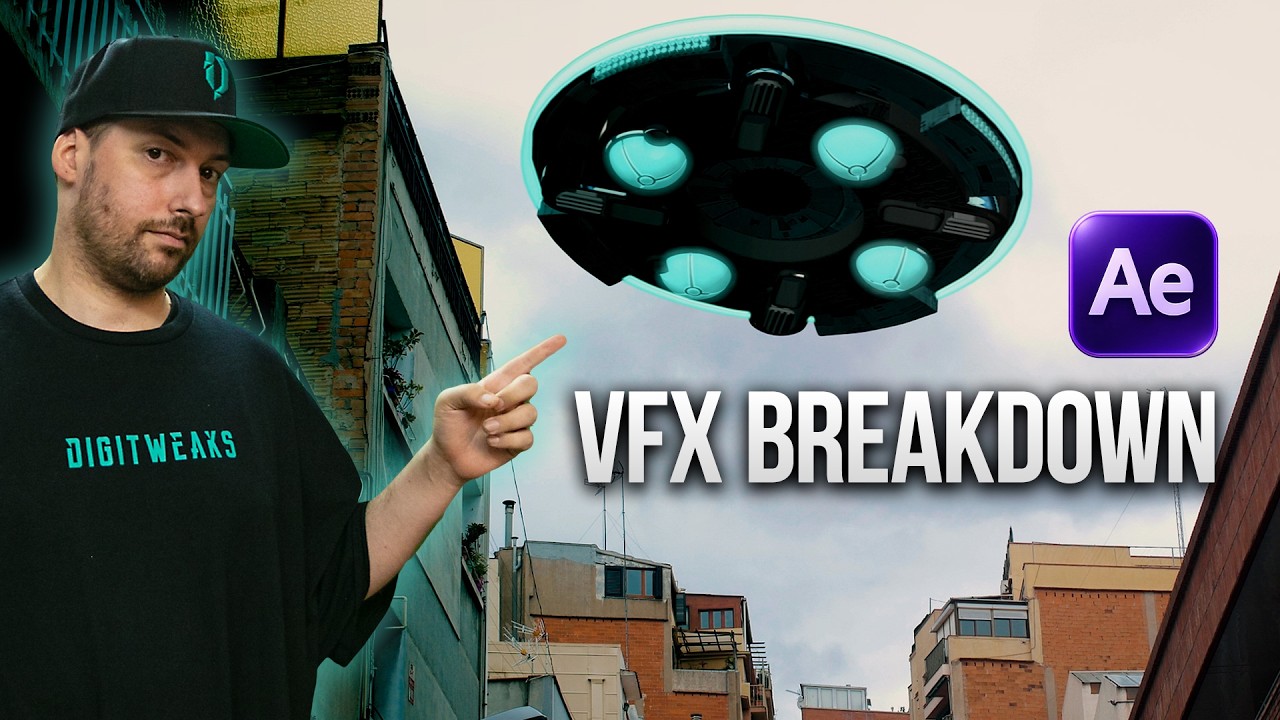
How I placed UFOs over Barcelona in After Effects | Glitch Invasion 01: First Sighting

The NiYiEN Senseflow A1 in Action

Do You Really Need 4K? Why I Still Deliver in 1080p 25fps

Adobe After Effects Essentials: A Beginner’s Guide (2026)

I Built a FREE Sound Library Browser for Adobe Premiere

What Is ManyChat and Why Do We Use It?

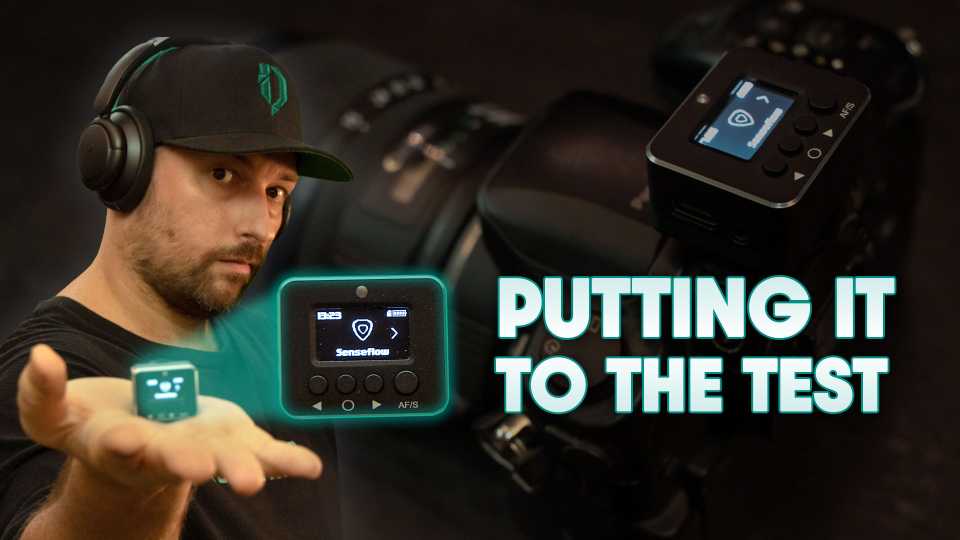
NiYien Senseflow A1 Gyrologger | Putting It to the Test (Gyroflow vs Warp Stabilizer)

NiYien Senseflow A1 Gyrologger | My Honest Review After a Few Weeks (Gimbal Alternative)

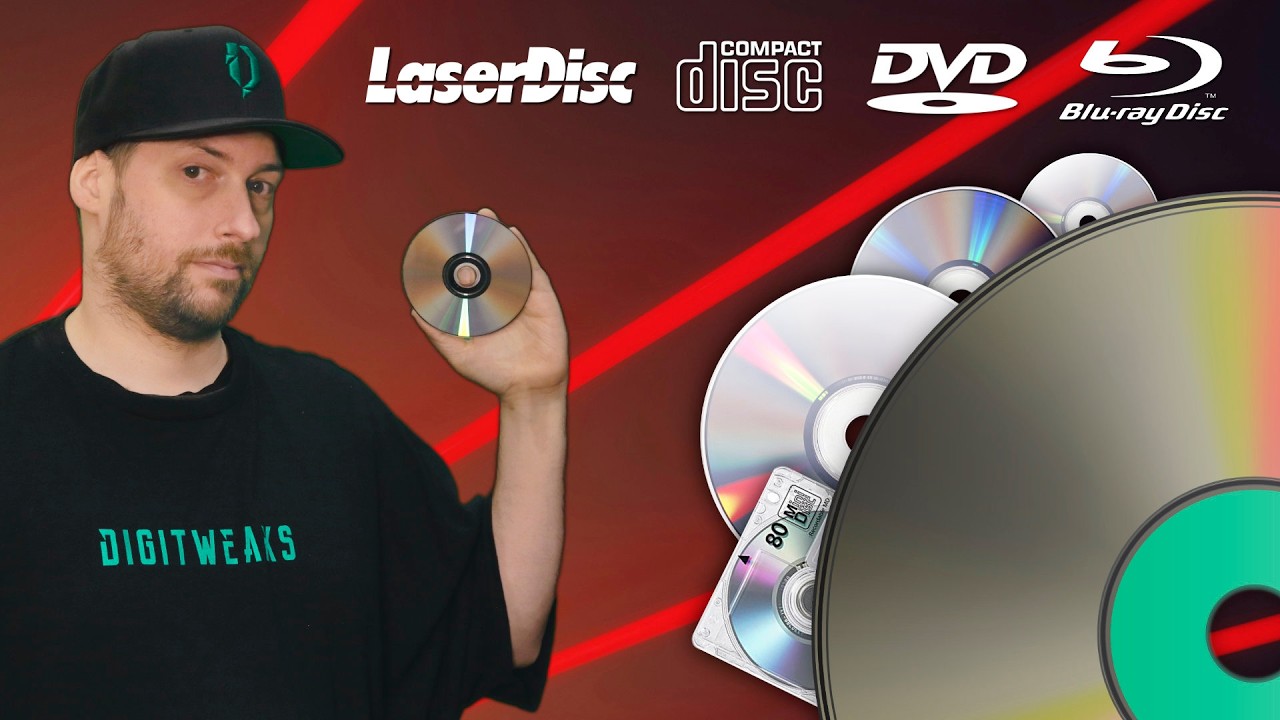
The Evolution of Optical Discs | From LaserDisc to Blu-Ray

8 Misconceptions about Electricity and how it actually works ⚡

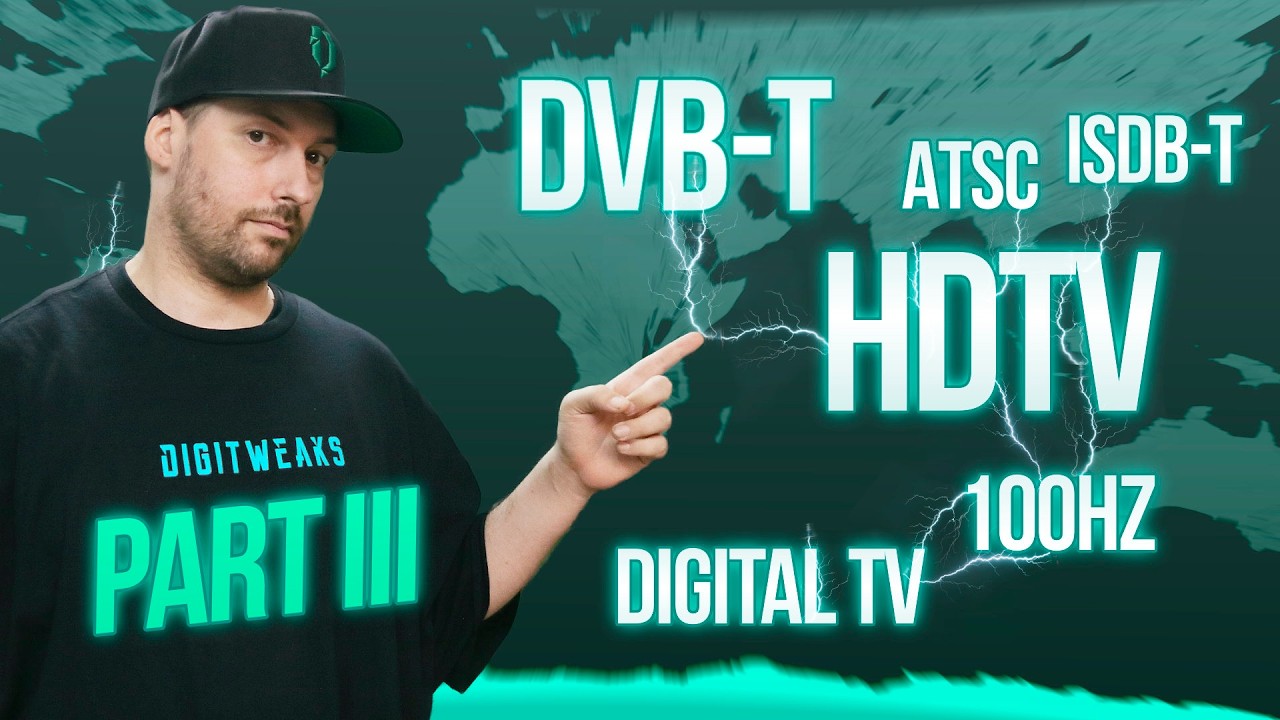
The Evolution of Video Standards (Part 3) : From Analog to Digital HDTV

The Evolution of Video Standards (Part 2) : PAL, SECAM, NTSC, MAC, Teletext

The Evolution of Video Standards (Part 6) : From Analog HD to the Digital Revolution

The Evolution of Video Standards (Part 5) : The Analog Video Signal

The Evolution of Video Standards (Part 4) : Chronological Order from Monochrome to Digital TV

The Evolution of Video Cameras from Analog to Digital (1874 - 2025)

The Evolution of Camera Lenses | From Simple Glass to Modern Cinema Optics

Europe’s Web Before the Internet: Teletext and Minitel

Why I Split my YouTube Channel in Three

How to Install WordPress on an OVH Performance server (Quick Start Tutorial)

The Evolution of Microphones

How does file, music and video compression work | JPEG, MP3, H.264 codecs

The Evolution of Computers (1815 - 2025) | From ENIAC Computers to Modern CPUs

What are Web Browser Cookies and the GDPR (CCPA, Privacy Act, PIPEDA, LGPD)

The Evolution of Video Standards (Part 1) : PAL, SECAM, NTSC

I made a Dragon Ball's Kamehameha with a Green Screen and Adobe After Effects

SilverShop: FREE Open Source eCommerce for Silverstripe

Unboxing Affordable Youtube Setup: Best Video Equipment for 1000€ in 2026

WordPress vs Silverstripe: Which CMS is best for your website?

How to create Panoramas with DJI Ronin RS3 Mini and Affinity Photo

How to balance heavier DSLR Camera on the DJI Ronin RS3 Mini

Neat Video: The Best Digital Noise Reduction Plug-in for Premiere Pro/After Effects and Resolve

Shopify Starter Plan: What You Need to Know

The DJI Ronin RS3 Mini Gimbal (Product Review)

Online Business Ideas for a Fresh Start

Add Printful products to your Ecwid store